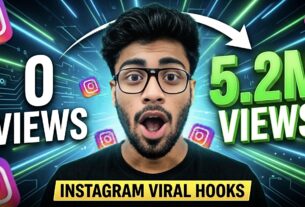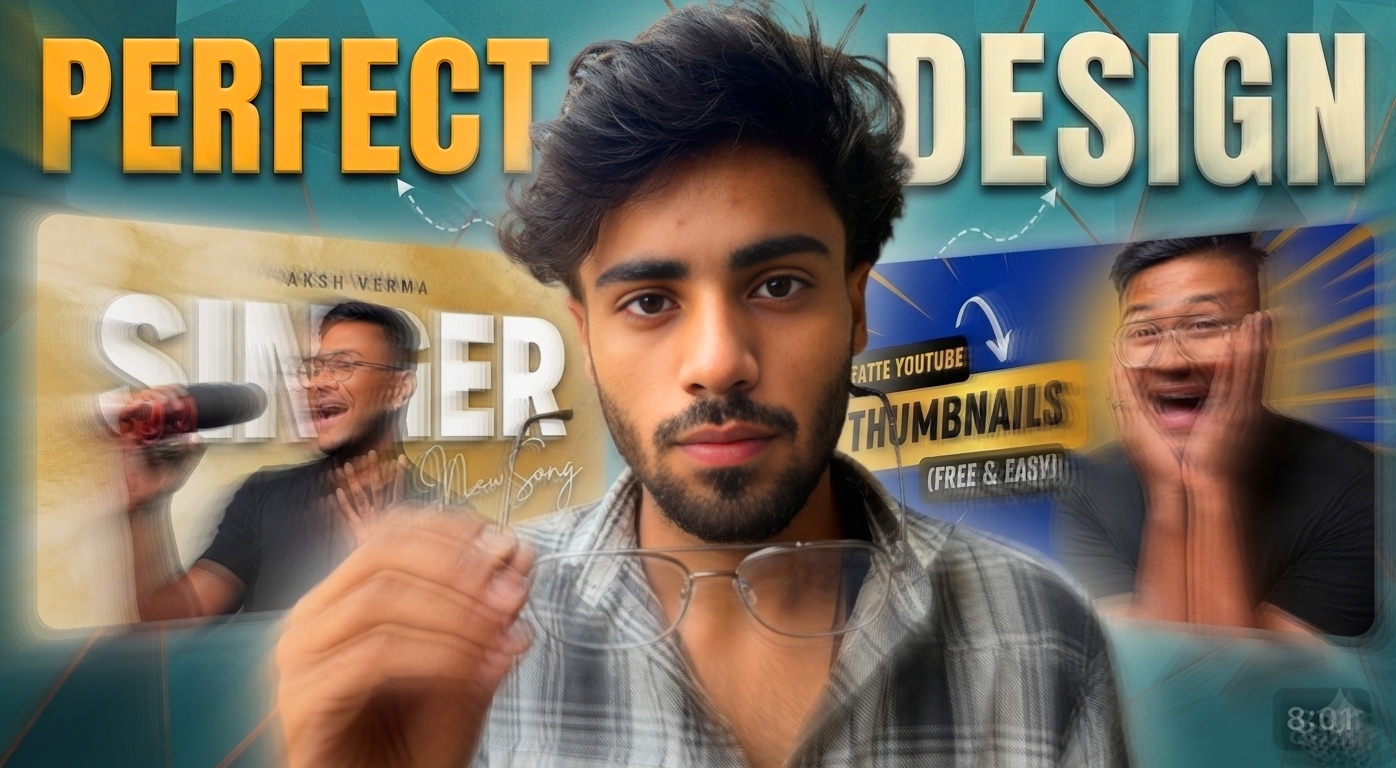
YouTube Viral Thumbnail is one such thing without which your video cannot go viral. No matter how good your video is, if the thumbnail is not good then the video cannot go viral.
And it is very easy to make viral thumbnails for YouTube and there are two methods to make viral thumbnails for YouTube.
There are two methods to create viral thumbnails for YouTube: Manual and Ai. Let me tell you how to use both.
How to Create Viral YouTube Thumbnails Using the Manual Method?
The first method is the manual method, in which you have to add your photo in any photo editing software and add background png and text along with it to create your viral thumbnail.
But the biggest drawback of the manual method is that you will have to do all the work manually and you will have to add each and every thing yourself, which will take a lot of your time.
- PicsArt
- Pixelab
You can use any of these two apps to create a manual thumbnail.
How to Create Viral Thumbnails for YouTube with Ai?
The second way is AI, through which you can create viral thumbnails for YouTube and I think this is one of the best ways through which you can create viral thumbnails.
It is very easy to create viral thumbnails for YouTube. First of all, you have to open YouTube and search for your topic and the thumbnail of any video that you like. Then you have to take a screenshot of that thumbnail.
After that you have to open any app like ChatGPT or Google Gemini, you have to open any of these two apps.
These are the apps that can create viral thumbnails for YouTube, that too using AI.
- ChatGPT
- Google Gemini
You can use any of these two apps to create thumbnails with AI.
As soon as the app opens, click on the plus icon below and you will see the thumbnail of the screenshot you took here.
As soon as the screenshot thumbnail is uploaded, then you have to write in the caption below [ please make a prompt of this photo and give me, I want to make my photo exactly the same] as soon as you write it then click on the send option and send it.
After sending it, it will take some time for processing and your prompt will be generated. After that, if you want to make some changes in the thumbnail, you can do it that way. After that, you have to copy the prompt that comes after the prompt is copied.
Then click on the plus option below and add your photo and after that paste the prompt you had copied and click on the send option.
After that you have to wait for some time and your viral thumbnail for YouTube will be ready which you can use easily.
So these are two ways by which you can create viral thumbnails for YouTube.
Manual Apps that lets you Create Viral Thumbnails for YouTube
- Pixelab
- PicsArt
Ai Apps to Create Viral Thumbnails for YouTube
- ChatGPT
- Google Gemini
FAQ
- Free AI thumbnail maker
- Create thumbnail for YouTube
- YouTube thumbnail maker free
- Free AI thumbnail maker for YouTube
- How to make thumbnail for YouTube in mobile
Conclusion
So here I have told you very easily how to make viral thumbnails for YouTube and I know that you must have understood everything very well and whatever method is explained here is a normal method and I hope you liked this article very much.