Typography videos are one of the most powerful and engaging content formats used in social media, YouTube, advertising, and branding. Whether you’re a content creator, marketer, or video editor, learning how to create typography videos can significantly boost your visual storytelling skills.
What Is a Typography Video?
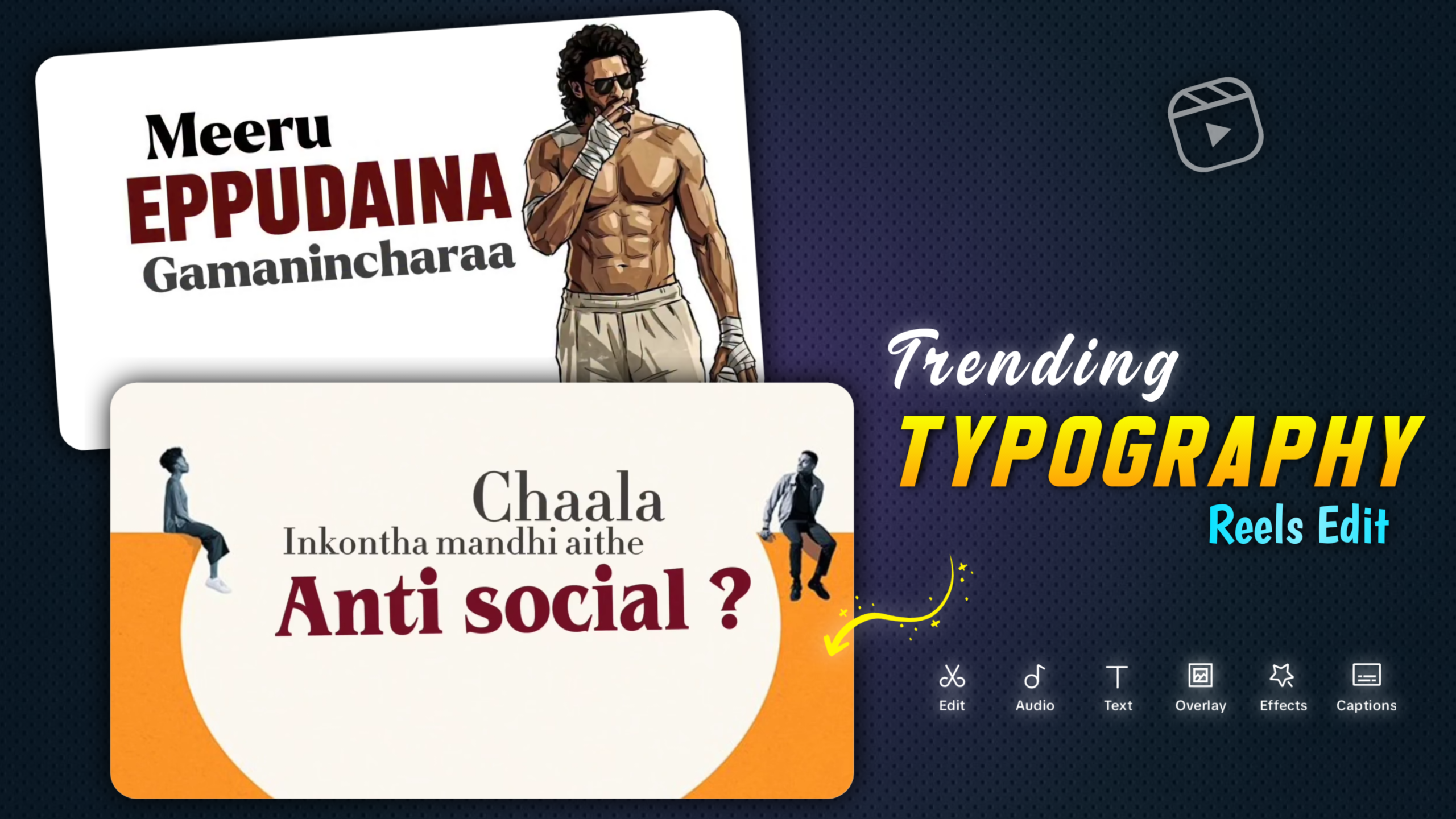
A typography video is a video where text becomes the main visual element. Instead of relying on images or footage, animated text communicates the message in a visually appealing way. These videos are commonly used for:
- Motivational quotes
- Promotional ads
- Song lyrics
- Educational content
- Social media reels and shorts
Tools You Can Use to Make Typography Videos
Here are some popular tools for creating typography videos:
- Adobe After Effects
- Premiere Pro
- CapCut
- Canva
- Alight Motion (Mobile)
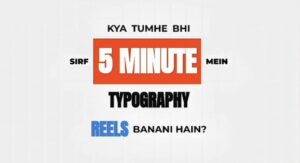
PROMPT :-
You are a professional motion designer specialized in trending kinetic typography motion graphics for Instagram Reels and YouTube Shorts (2025-2026 style).
Your task is to convert the following script into a high-impact kinetic typography motion graphics prompt, NOT subtitle-style text.
STYLE & DESIGN RULES
Video format: Vertical 9:16
Background color: [LIGHT CREAM]
Primary text color: [DARK BROWN]
Highlight/emphasis color: [ORANGE]
Typography style: Modern kinetic typography with strong size contrast (some words very large, some small)
Use multiple font weights or font styles (bold, condensed, regular)
Motion must feel dynamic, rhythmic, and beat-synced
Avoid simple fade-in or subtitle-like appearance
Script-
(Paste your script here)
Text should move with scale, stretch, bounce, snap, slide, and micro-pause
Create Audio
Conclusion
Typography videos are a powerful and cost-effective way to communicate your message visually. With the right tools, fonts, animations, and storytelling approach, anyone can create professional typography videos—even beginners.